X
wikiHow is a “wiki,” similar to Wikipedia, which means that many of our articles are co-written by multiple authors. To create this article, 27 people, some anonymous, worked to edit and improve it over time.
This article has been viewed 309,619 times.
Learn more...
The Freenode network is home to many participants in free software and free content projects (such as wikis). The registration process is simple and only takes a few minutes. Here are the steps.
Steps
-
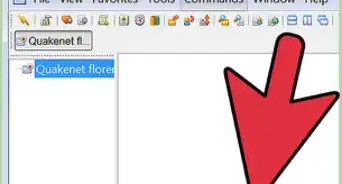
1Join the freenode network. Open your favorite IRC client and type:
/server chat.freenode.net
-
2Choose a user name or nick. This user name should consist only of the letters from A-Z, the numbers from 0-9 and certain symbols such as "_" and "-". It may have a maximum of 16 characters. You can do
/nick NewNick
to switch to a new nickname.Advertisement -
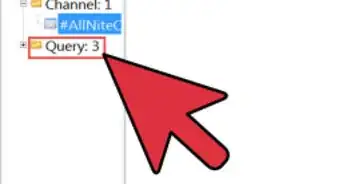
3Register your nick or user name. Type the following command and replace "your_password" with a password that will be easy to remember, and replace "your_email_address" with your email address.
/msg nickserv register your_password your_email_address
-
4Check your e-mail and verify your account. After you register, you will not be able to identify to NickServ until you have verified your registration. To do this, check your email for an account verification code.
-
5Type the command that freenode asks you to type, into the server box.
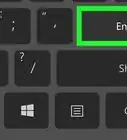
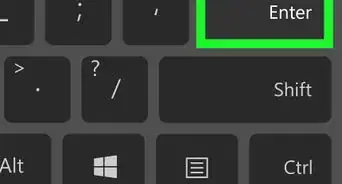
- Press the Enter key to fully confirm.
-
6Group an alternate nickname with your main one. If you would like to register an alternate nickname, first switch to the alternate nickname that you want while you are identified as the main one, then group your nicks together with this command:
/nick NewNick/msg nickserv group
-
7Identify with Nickserv. Each time you connect, you should sign in, or "identify" yourself, using the following command:
/msg nickserv identify Your-Nick Your-Password- Your-Nick is your account-name which is usually the same as your nickname.
- SASL is the recommended way to identify, if your client supports it. It identifies you before you fully connect to the network and hence makes sure you're cloaked while you join channels.


Advertisement
Warnings
- Don't use any important passwords as your Freenode password. Keep this one separate.⧼thumbs_response⧽
- These steps may not work with the wikiHow IRC web client. You may need to download and install a different program. Fortunately, this is generally a free and quick process.⧼thumbs_response⧽
- You must have a valid email address that is not disposable in order to register. If you register and you don't verify your registration using the instructions that are emailed to that address, you won't be able to identify and your nick will be automatically dropped after 24 hours.⧼thumbs_response⧽
Advertisement


-Step-8-Version-2.webp)




About This Article
Advertisement